Explaining our Lone Worker solutions

Lone Worker empowers remote work, helps keep employees safe and employers compliant.

Request a Demo

Communications, emergency duress and sudden impact

Improve asset maintenance in and beyond your fleet.

» Instant one to one and group communications

» False Positive impact detection

» Open mic duress call

» Real time location tracking

    Tools to support employer compliance

    Lone Worker application helps employers meet their obligations under the Work Health and Safety Act 2011 and the Occupational Health and Safety Act 2004.

    Specifically, it enables employers to implement control measures for hazards, establish effective communication channels, conduct regular monitoring as needed, implement emergency procedures, and automate incident reporting.

    » Employee safety features +

    » Geofence hazardous areas

    » Historic location reporting for “on-duty” movements

    » Radio Communications (PTT)

    » Add check in locations and route timing with Bluetooth or QR codes

    » Automate incident reporting or deviation from expected behaviour

      Digitise processes and 
      ​workflows

      Lone Worker enables the digitisation and data collection of remote worker tasks.

      » Add routes and timing points for patrols

      » Add check in spots with Bluetooth beacons and sensors

      » Allow for collection of and sending of data and images

      » Automate process initiation by passing data collected to another system

      INSIGHTS & ASSISTANCE
      Lone Worker Case Studies

      Find answers to common queries and gain valuable insights
      into insurance decision-making.
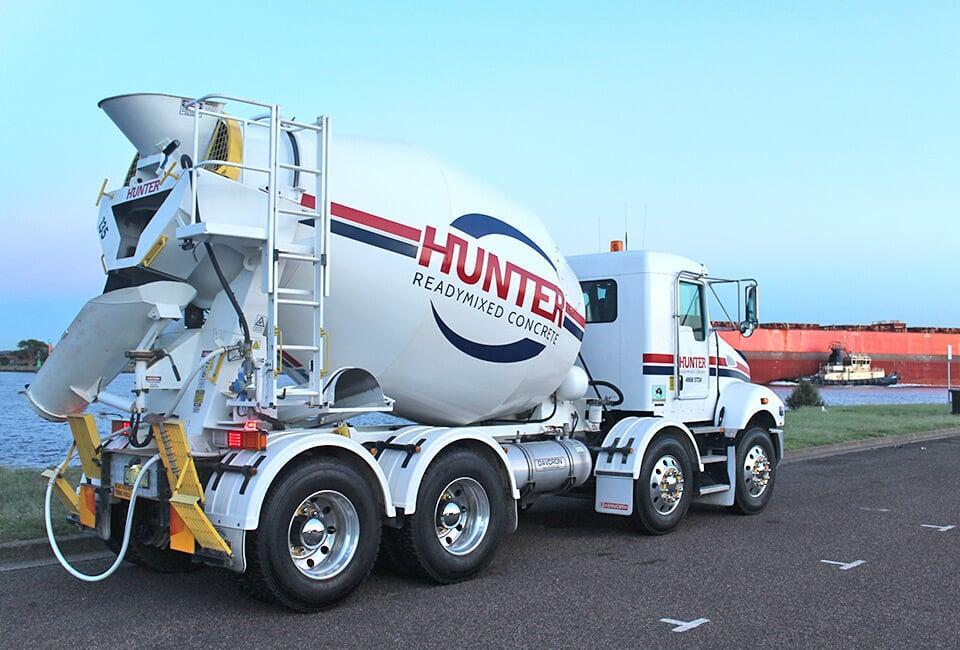
      Hunter Readmixed Concrete
      Overcoming the Limitations of Traditional Radio
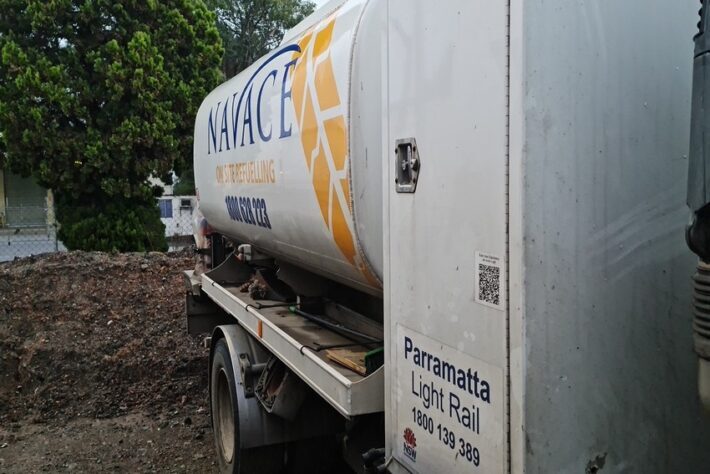
      Navace Onsite Refuelling and Asset Management benefit from Push-to-Talk

      INSIGHTS AND ASSISTANCE
      Frequently asked questions

      Find answers to common queries and gain valuable insights into how to unleash the
      power of your remote workforce and assets

      1. What are Lone Worker applications?

      Lone worker applications are software solutions designed to enhance the safety and security of individuals who work alone or in isolated environments. These applications typically run on smartphones, wearables, or dedicated devices and provide features like emergency alerts, GPS tracking, check-in systems, and communication capabilities.


      2. How does lone worker applications ensure safety?

      Lone worker applications employ various safety measures to protect individuals. They enable workers to check in at regular intervals to indicate their well-being. In case of an emergency or missed check-in, the application can automatically notify predefined contacts or a central monitoring system for immediate assistance. Some applications also incorporate panic buttons that allow workers to quickly send distress signals.


      3. What features should I look for in a lone worker application?

      When selecting a lone worker application, consider features such as real-time location tracking, two-way communication capabilities, automatic incident reporting, integration with existing safety protocols, customizable alert settings.


      4. Are lone worker applications only suitable for specific industries?

      While lone worker applications are commonly used in industries such as healthcare, construction, security services, transportation, and utilities where employees often work alone or remotely, they can be beneficial in any scenario where individuals may face occupational risks due to isolation. These apps can be tailored to meet the unique needs of different sectors.


      5. Are there legal requirements for implementing lone worker applications?

      Legal requirements regarding the use of lone worker applications may vary depending on the jurisdiction and industry-specific regulations. In Australia for example, employers need to meet their obligations under the Work Health and Safety Act 2011 and the Occupational Health and Safety Act 2004. Specifically, it enables employers to implement control measures for hazards, establish effective communication channels, conduct regular monitoring as needed, implement emergency procedures, and automate incident reporting.


      6. What about the privacy of the employee and their location data?

      Employees can be set up for visibility to a company control room in the case of security guards, bus drivers etc. Employees can also be set up to be incognito until a check-in or emergency situation occurs. Any personally identifiable information is securely stored in the IMPULSE Wireless application.

      CONTACT US
      Speak to our team for 
      custom push to talk 
      solutions

      Reach out today for tailored insurance solutions and expert guidance.

      or schedule an appointment directly with our Sales Team
      Book Appointment